
Your First SEO Audit: What to Check, in What Order
A first SEO audit takes about an hour if you do it in the right order. Check reach, clarity, phones and speed on the three pages that matter most.
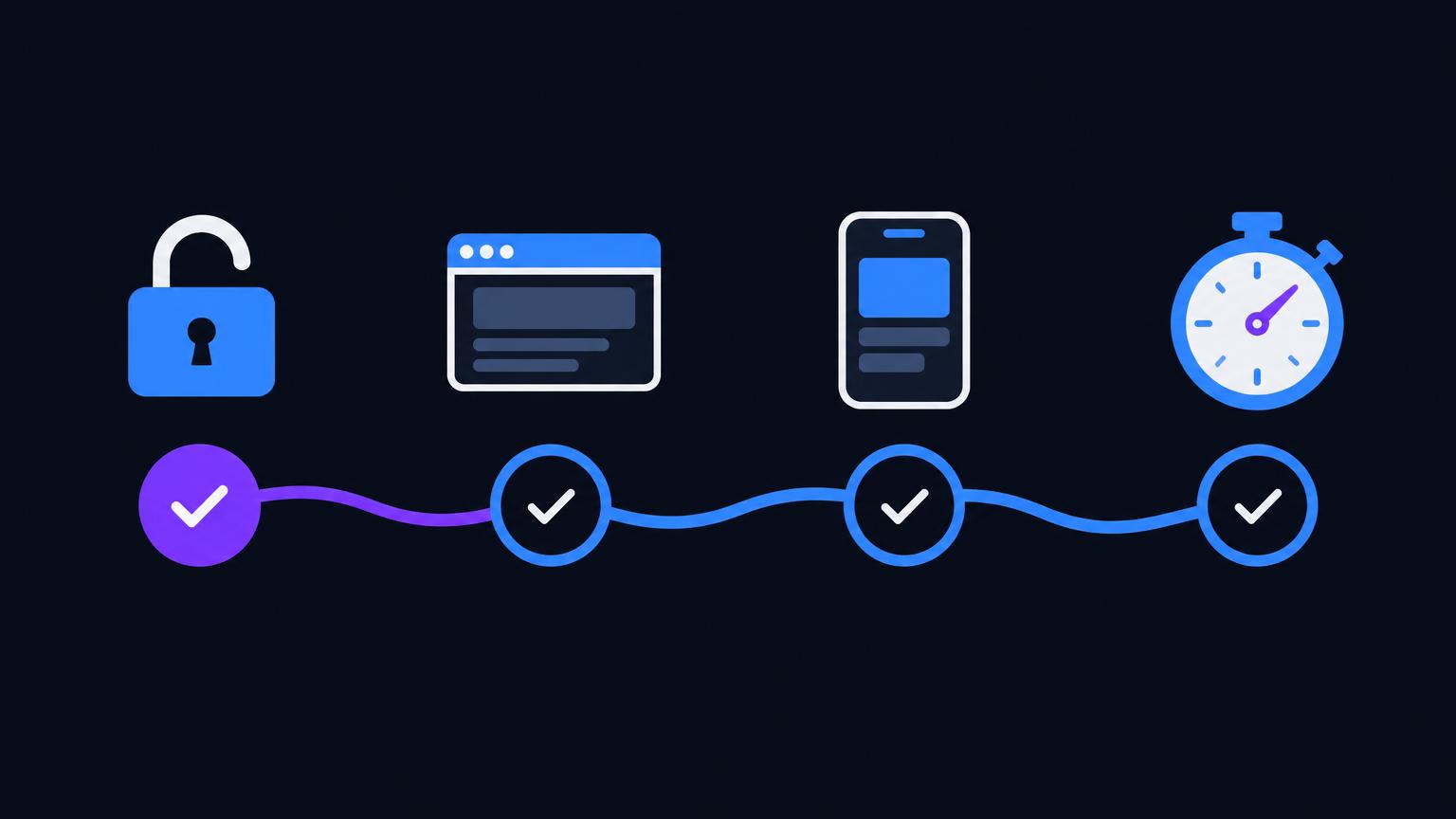
A first SEO audit should take about an hour and cover four questions, in this order: can search engines reach the page, does the page say clearly what it is, does it work on a phone, and is it fast enough. Start with your homepage, your pricing page and whichever page people buy or sign up from. Leave the rest of the site for later.
The order matters more than the checklist. A perfect title on a page that tells Google to stay away is wasted effort, and most beginners spend their first weekend on exactly that kind of thing.
Before you start
Make a short list of three to five pages that matter to your business. For each one, you'll write down what's wrong and fix the worst problem first. A spreadsheet with three columns is plenty: the URL, the issue, and whether it's fixed.
You can do all of this by reading page source and using Google's free tools. To go faster, paste each URL into BasicSEO, which checks most of what follows and puts the issues in priority order. A single page takes under 30 seconds and needs no account.
Step 1: Can search engines reach it?
Check this first, because a problem here makes everything else pointless.
Look for two things. The first is a noindex instruction in the page's <head>, which tells search engines to leave the page out of their results. The second is a rule in your robots.txt file, at yoursite.com/robots.txt, that blocks crawlers from that part of the site.
Both happen by accident all the time. A developer sets noindex on a staging site and it goes live with the launch. In WordPress, a single setting called "Discourage search engines from indexing this site" under Settings, then Reading, does the same thing to every page.
If you have Google Search Console set up, paste the URL into its URL Inspection tool, which tells you whether Google has indexed the page and, if not, why. If you don't have it yet, set it up today. It's free and nothing else tells you as directly how Google sees your site.
Step 2: Does the page say what it is?
Now read the three pieces of text that describe the page.
The title tag. It should name the specific thing the page offers, and it should be different from every other page on your site. "Home" is the classic failure. If several pages share a title, that one has its own fix: see how to fix duplicate title tags.
The meta description. This is the short summary that can appear under your link in results. It doesn't directly affect rankings, but a good one gives people a reason to click. A missing one means Google picks text from the page for you.
The H1. Each page should have one main heading, and it should match what the title promises. A page whose H1 says "Welcome" tells a visitor nothing they can use.
Read these three aloud as if you were a stranger who has never heard of your business. If you can't tell what the page sells or explains, neither can they.
Step 3: Does it work on a phone?
Google indexes the mobile version of your site, so a page that's awkward on a phone is not a side issue.
Open the page on your own phone. Don't resize a desktop browser, because it isn't the same test. Can you read the text without zooming? Can you tap the buttons without hitting the wrong one? Does anything run off the side of the screen?
Under the hood, the page needs a responsive viewport tag in its <head>. It's a single line, and without it phones will show a tiny zoomed-out version of your desktop layout.
Step 4: Is it fast enough?
Run the page through PageSpeed Insights, Google's free speed test. It reports Core Web Vitals, and the one to look at first is Largest Contentful Paint, or LCP: how long the main content takes to appear. Google's target is 2.5 seconds or less.
For small sites the cause is usually a single oversized image at the top of the page. Resize it to the size it actually displays at, compress it, and test again. That one change often does more than anything else on the list, and it doesn't need a developer.
Ignore the overall score for now. A page at 70 that loads its main content quickly is in better shape than the number suggests.
What to fix first
Your list will probably be longer than you can finish, so sort it like this:
- Anything blocking indexing. Fix these today.
- Missing or duplicate titles on your important pages.
- Mobile problems that stop someone from reading or buying.
- Slow main content, starting with the biggest images.
- Missing meta descriptions and image alt text.
Do one page completely before moving to the next, and start with the page closest to the money. Fixing your pricing page fully is worth more than fixing one small thing across thirty pages.
What the audit won't tell you
An audit finds technical problems. It can't tell you whether your content answers what people are searching for, or whether a competitor's page is simply better. Those are the next questions, and they're easier to answer once the basics are out of the way.
Don't expect overnight results either. Search engines have to crawl your pages again before anything changes, and on a small site that can take days or weeks. Rankings depend on plenty of things you don't control, so measure what you can: is the page indexed, is the title showing correctly, are impressions in Search Console moving over the next couple of months?
Make it a habit
Once your first pages are clean, re-check them whenever you change a template or launch a new page, because that's when things break. A saved scan history helps here. A free BasicSEO account keeps your past scans, and the Clarity plan tracks issues across up to 50 pages for $49 a year, if you'd like to compare progress over time. A calendar reminder and your spreadsheet also work fine. What matters is that someone looks.